

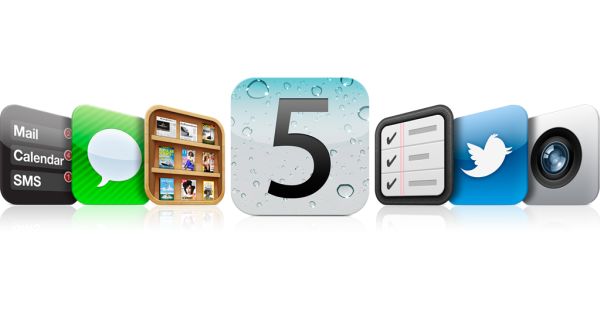
Apple at its KEYNOTE EVENT 2011, at a few moments raised expectant gasps in the crowd; it also did launch an iPhone; but to most people’s disappointment it was not an iPhone 5, instead ‘iPhone 4S’. In spite of a big blow to people’s expectations, iPhone 4S kept Apple’s tradition of innovation. The most prominent of features brought to this new iPhone 4S with the introduction of iOS 5 into it that makes it a league ahead of its competitors and better than the previous iPhone 4 are as follows:
Notification Center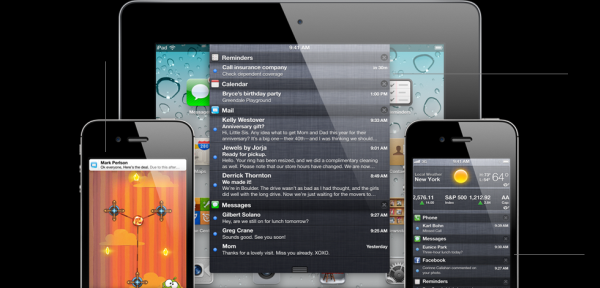
iOS 5 brings this new feature to its devices. You can now just drag down a whole list of notifications from the top of the list while being on any page or app you are at. Everything feels closer and interaction efficient!
iMessage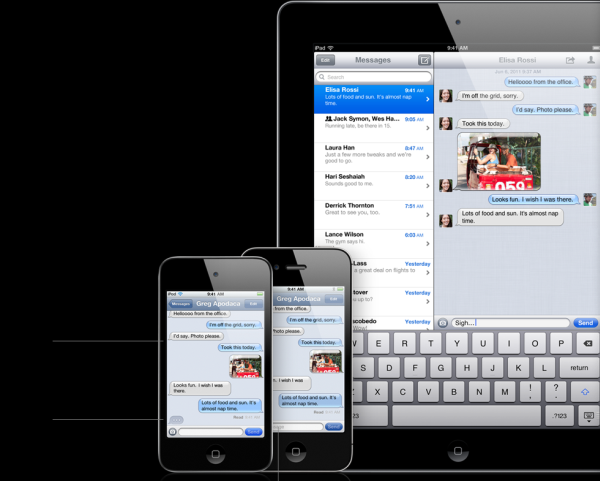
This new feature in you iOS 5 devices lets you text message between those devices like iPhone 4S, iPad, etc., using your Wi-Fi. It is free of cost!
Newsstand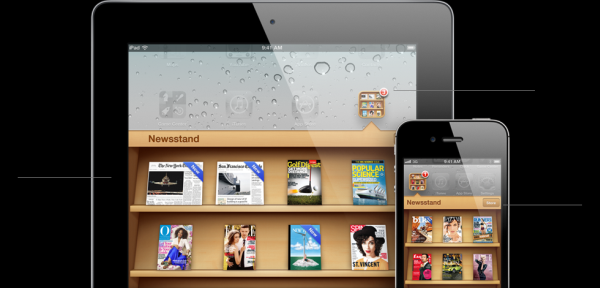
Now you can find your subscribed materials, magazines and news on the iPhone at one place, Newsstand. But the best about it is your subscriptions get updated automatically. So now you don’t have to download stuff every time. Get up in the morning to find a new news feed already there on the rack.
Reminders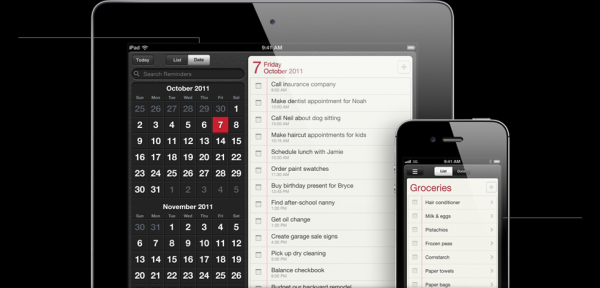
The new ‘Reminder’ app is ultra cool. And with its integration to intelligent assistant SIRI, it becomes all the more powerful. It is that intelligent to pop up a reminder that you’ve set as soon as you leave the work area fence; something like ‘Remind me to get get flowers for mom when I leave work’.
5Twitter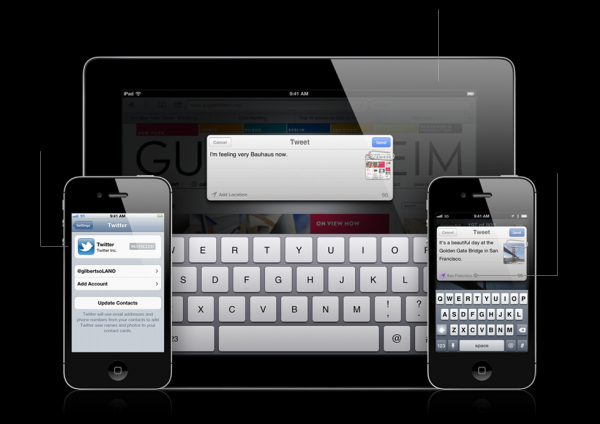
iOS 5 brings you Twitter in the most easiest of ways to use. It has integrated direct Twitter options on most of your apps on the iPhone like camera, photos, YouTube, Safari, etc. You can upload photos, share articles that you’re reading on your iPhone straight from where you are.
Camera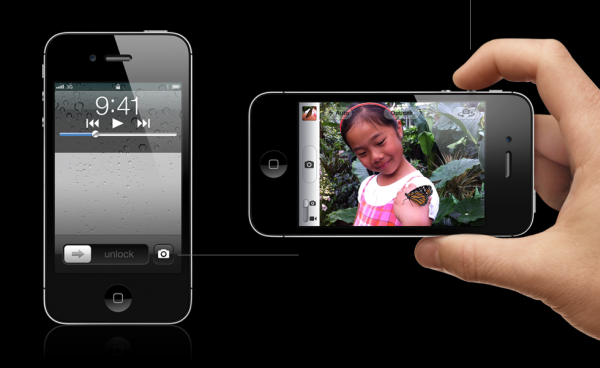
There is definitely more what you get in this section of the iPhone 4S. The camera has been amazingly improved. Now it holds a competitive 8 MP camera with refined optics using 5 precision elements and a wider aperture so that your whole photography experience goes to a whole new level. Gives great low-light shots and amazing clarity. It is highly competitive to actual SLR cameras with even ‘On the iPhone editing’ options. Capture life in its real essence!
PC Free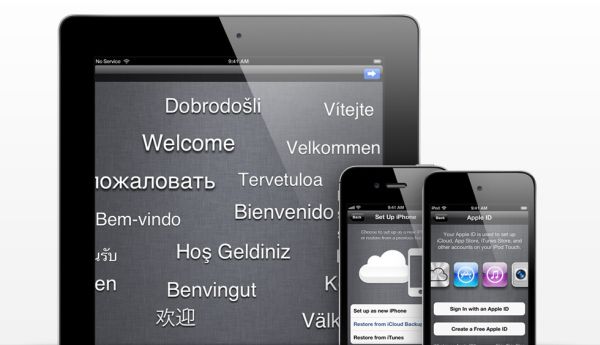
iCloud brings to you this great solution. You don’t need to have a Mac or a PC to run your iTunes and sync your Apple Devices. iCloud is now your ultimate storage space and your flying computer that you can access from anywhere on an iOS device. It makes your docked PCs weird!
Photos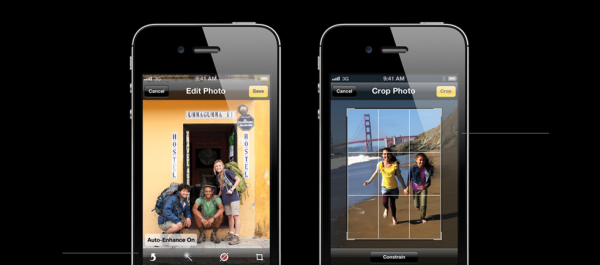
iOS 5 adds a few new ‘photo enhancement’ features to the devices. Apart from the use of i-Cloud to push your photos instantly to all the i-OS devices, it gives you ‘red eye removal’ and ‘auto-enhance’ features that take your photo capturing and editing a level ahead, without even leaving your photo app.
Safari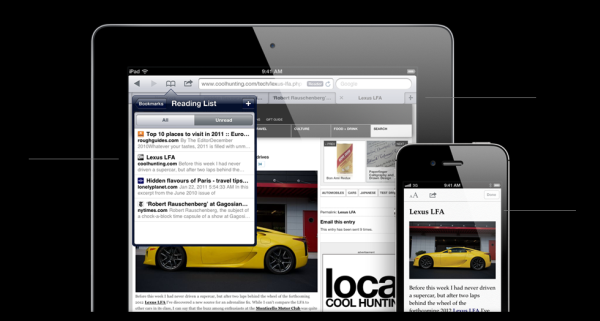
Three very effective modifications have been made to Safari that you use on this new iPhone or an iOS device. Now the browser integrates TABS into it. Just ‘TAB’ your way to another page while staying on the same browser window. There’s also a READING LIST that you can create to keep those elements on your page like articles and links that you’d wanna visit some other time again. But the most innovative feature in browsing would be ‘READER’. Just tap on the article to remove all the unwanted environment clutter and have only a full view of what you’re reading to improve focus and readability. Browsing definitely goes a step ahead!
Wi-Fi Sync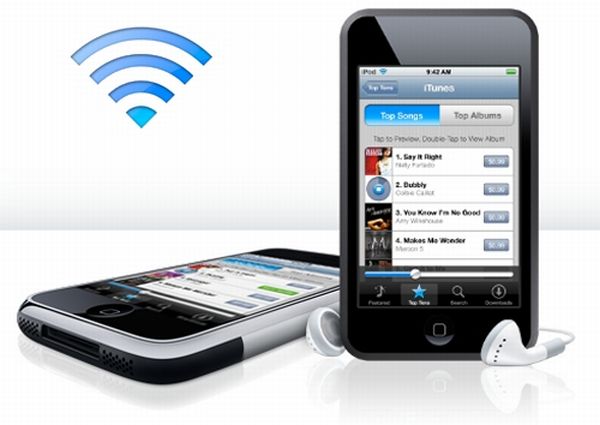
Ever downloaded a new soundtrack on your Macbook and had to go through the bugging process of wiring up your i-phone to the Macbook and syncing it just to get that song on your iPhone too. Now you can update your iTunes with content on any of your iOS devices and leave the rest to your Wi-Fi and the iCloud. They automatically move this content to your i-phone or other iOS devices like i-pad and Macbooks via the i-Cloud. You click a picture on your i-phone and you’ll find it right there on your Macbook automatically without the need for manual ‘wired’ syncing of your devices. It can work with apps and much more. Just brilliant!