

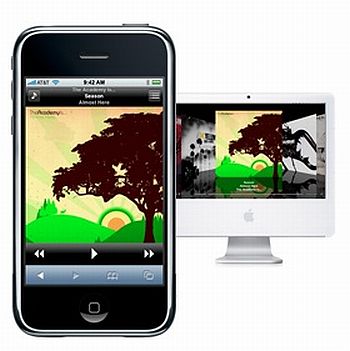
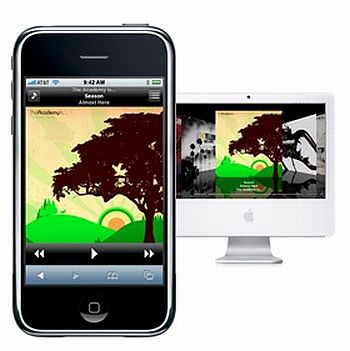
Here’s a really, really simple way to get a cool remote control for your iTunes library without having to take out a mortgage or two. Just get WiFi, download Signal and open iTunes on your PC. Then just open the address the demo download gives you on your phone browser, add the web application as an icon to your iPhone home screen or just bookmark it so that whenever you feel like grooving to your tunes you’ll just need to open Signal on your browser to check out your entire iTunes library.
Source: Geek Sugar